Unplug the Internet. It works just the same.
No cloud, no account, no online converter. All the work happens on your PC: your files never go anywhere.
On the train or the plane
The meeting's PowerPoint, the contract PDF, the client's mock-up: everything opens, network or not.
On an isolated server
Copied to a USB stick, it runs on an air-gapped machine to read logs, archives, disks and certificates.
With sensitive data
Client files, HR records, accounts, bank statements: they never leave your computer.
Facing a suspicious file
A suspicious email, an attachment, an unknown program: TelaViewer shows them without ever running anything.
Why pay to read a file?
View hundreds of formats with a single tool, without installing the original software. Keep your specialised licences for the people who actually create or edit the documents.
- A PSD or an Illustrator filePhotoshop, Illustrator
- A Word, Excel or PowerPoint fileMicrosoft Office
- A 7z archive, an ISO, a VHDX7-Zip, disk tools
- An Access or FileMaker databaseAccess, FileMaker
- An APK, a certificate, a keystoreDeveloper tools
- A bank statement, a Sage export, an e-invoiceAccounting or treasury software
- A 3D model, a font, a videoBlender, font installer, player
Portable: a single .exe that starts with a double-click, from any folder or a USB stick. Built to work locally, with no installation and no account. No DLL, no OCX, no .so, no Visual C++, .NET or Java runtime to install.
Accounting, banking and invoices, too.
Data migration, audit, checking an export: TelaViewer reads the ledger entries, statements and invoices exchanged between a company, its accountants, its bank and its customers, without the software that produced them. Every discrepancy found links to the lines concerned. Files are recognised by their content, whatever their extension.
Accounting entriesPro
FEC, Sage 100, Sage 50 and Ciel, Cegid, Quadra, EBP, Fiducial. Filterable entries, recalculated trial balance and journals, export to FEC.
See accounting →Bank filesPro
ISO 20022 camt.053, SWIFT MT940, SEPA payment files, OFX, QIF, CFONB 120, 160 and 240. Transactions by statement, recalculated balances, codes and rejection reasons in plain words.
See banking →E-invoicesPro
Factur-X, ZUGFeRD, CII, UBL, XRechnung, Peppol, Order-X, CDAR. The invoice in plain view, VAT and totals recalculated, EN 16931 rules checked.
See e-invoices →Every file with the view it deserves.
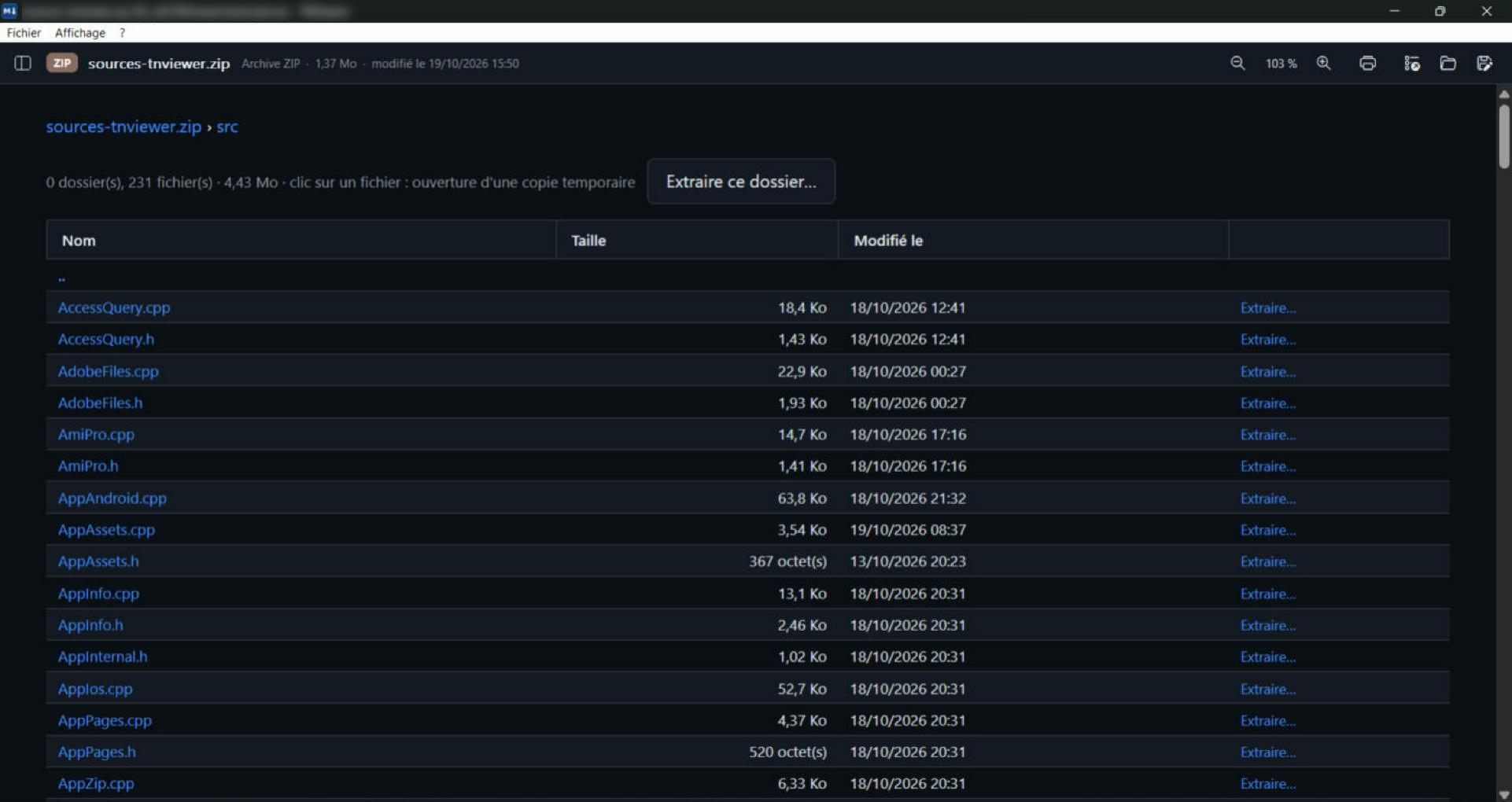
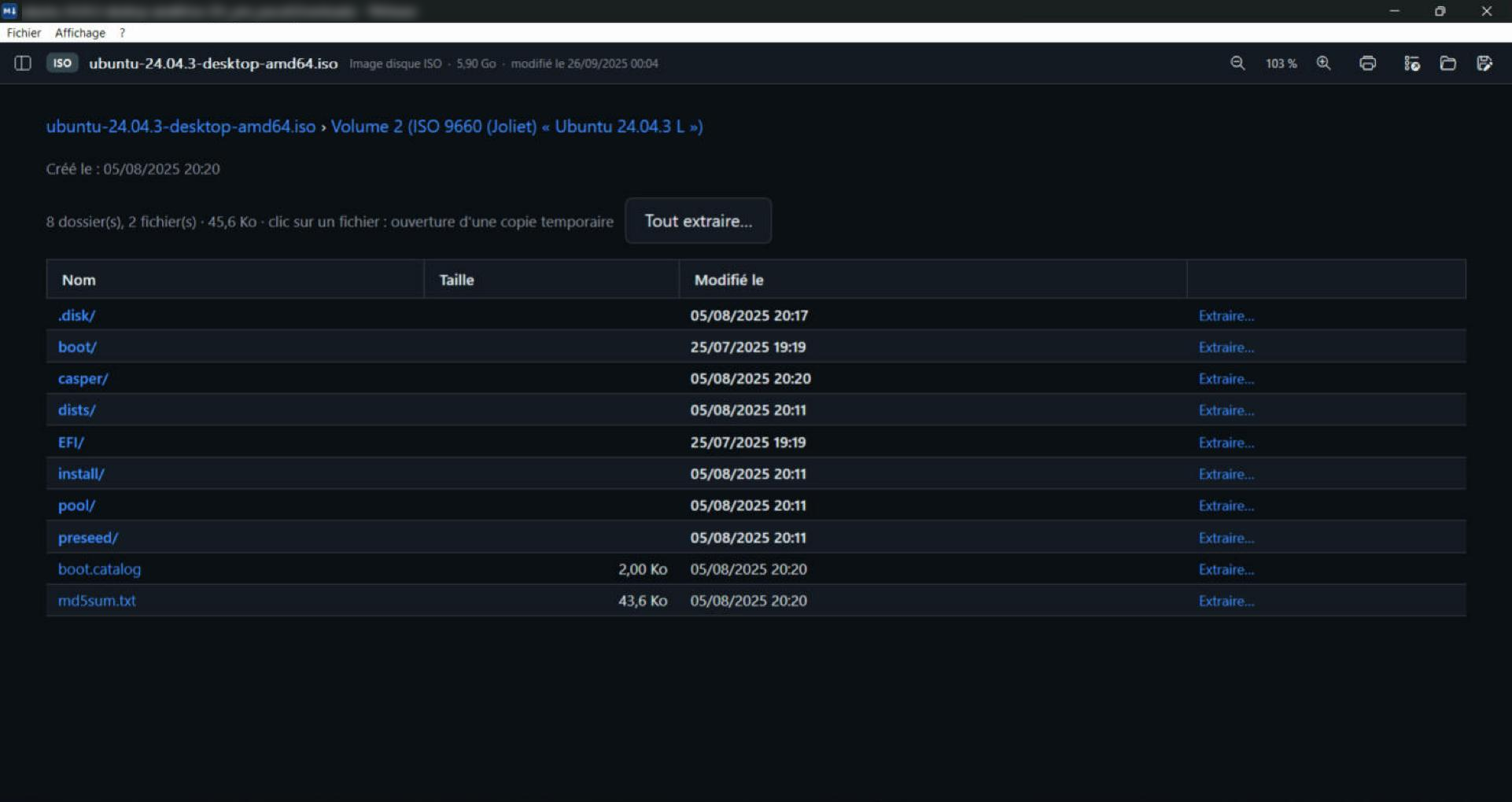
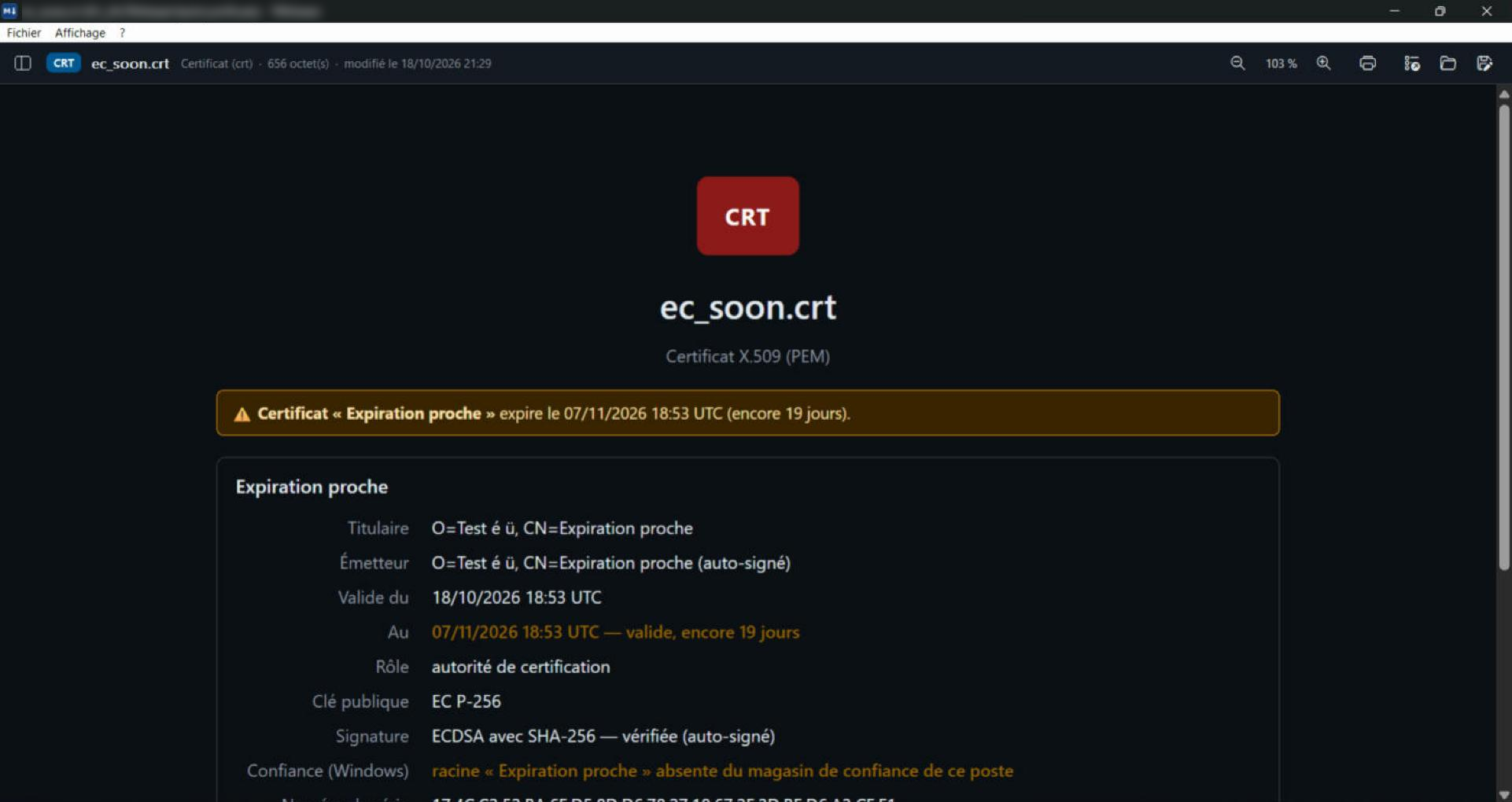
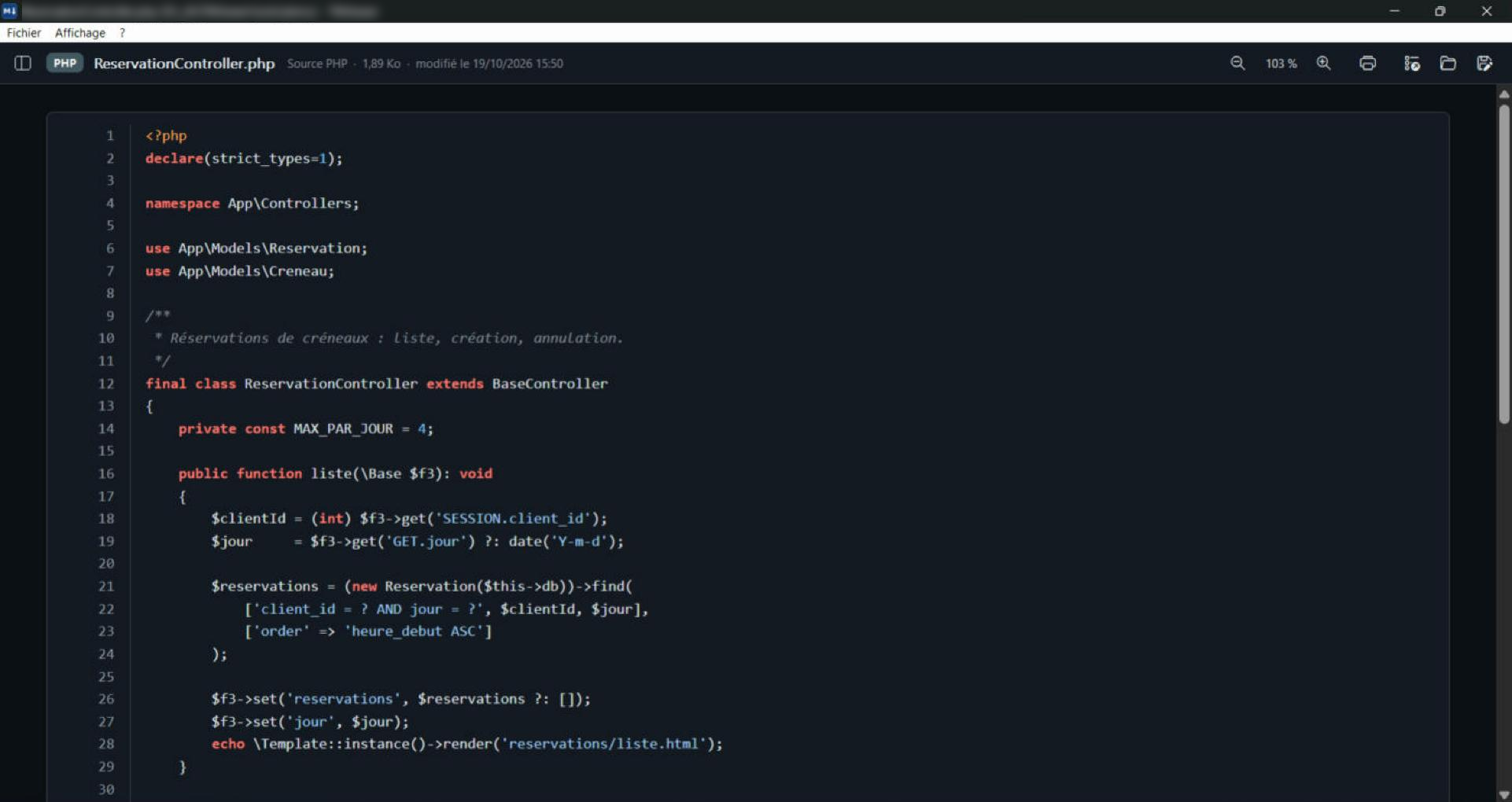
Real TelaViewer screenshots, with real files. Click an image to enlarge it. The application interface is in French for now.
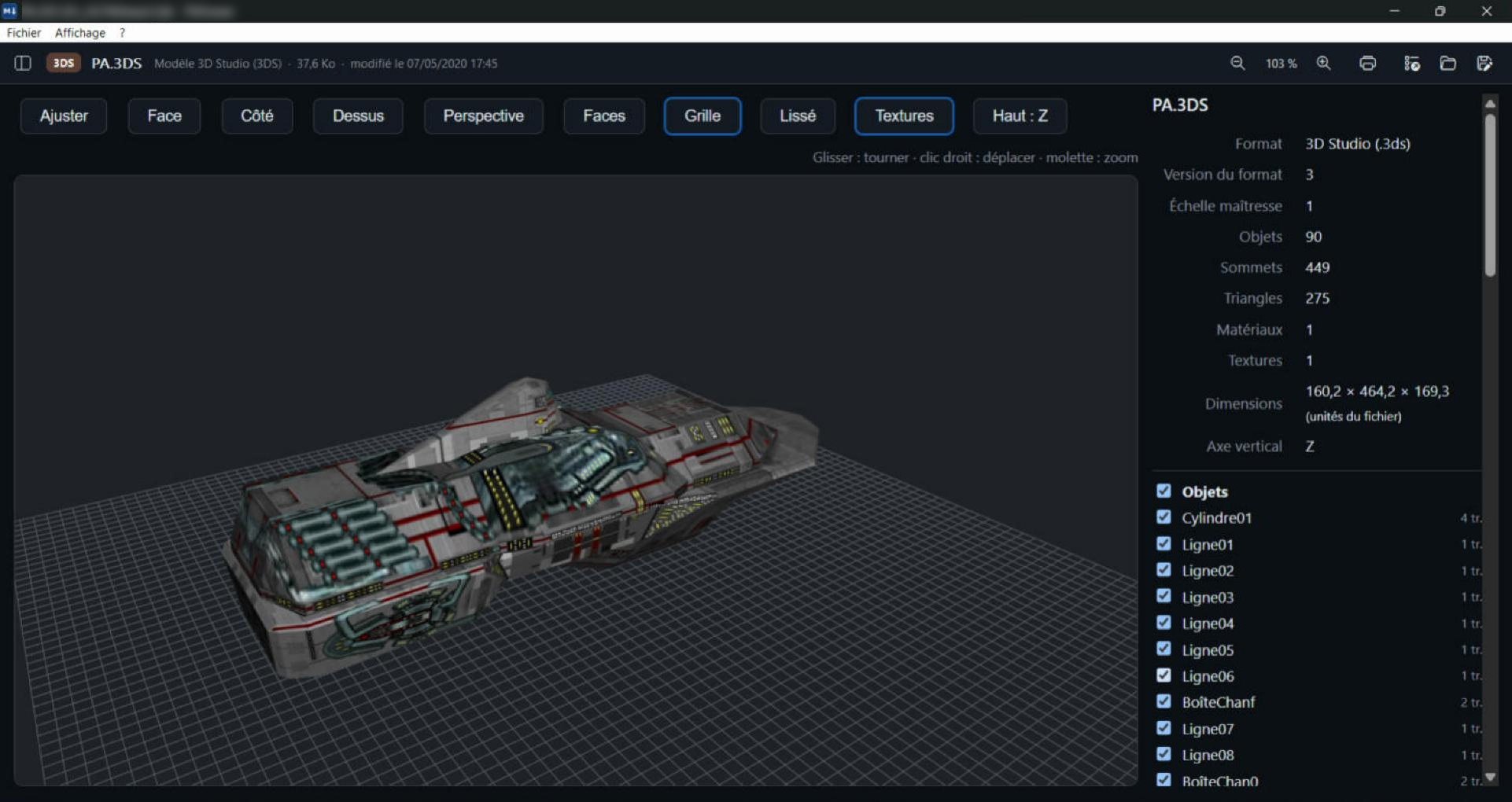
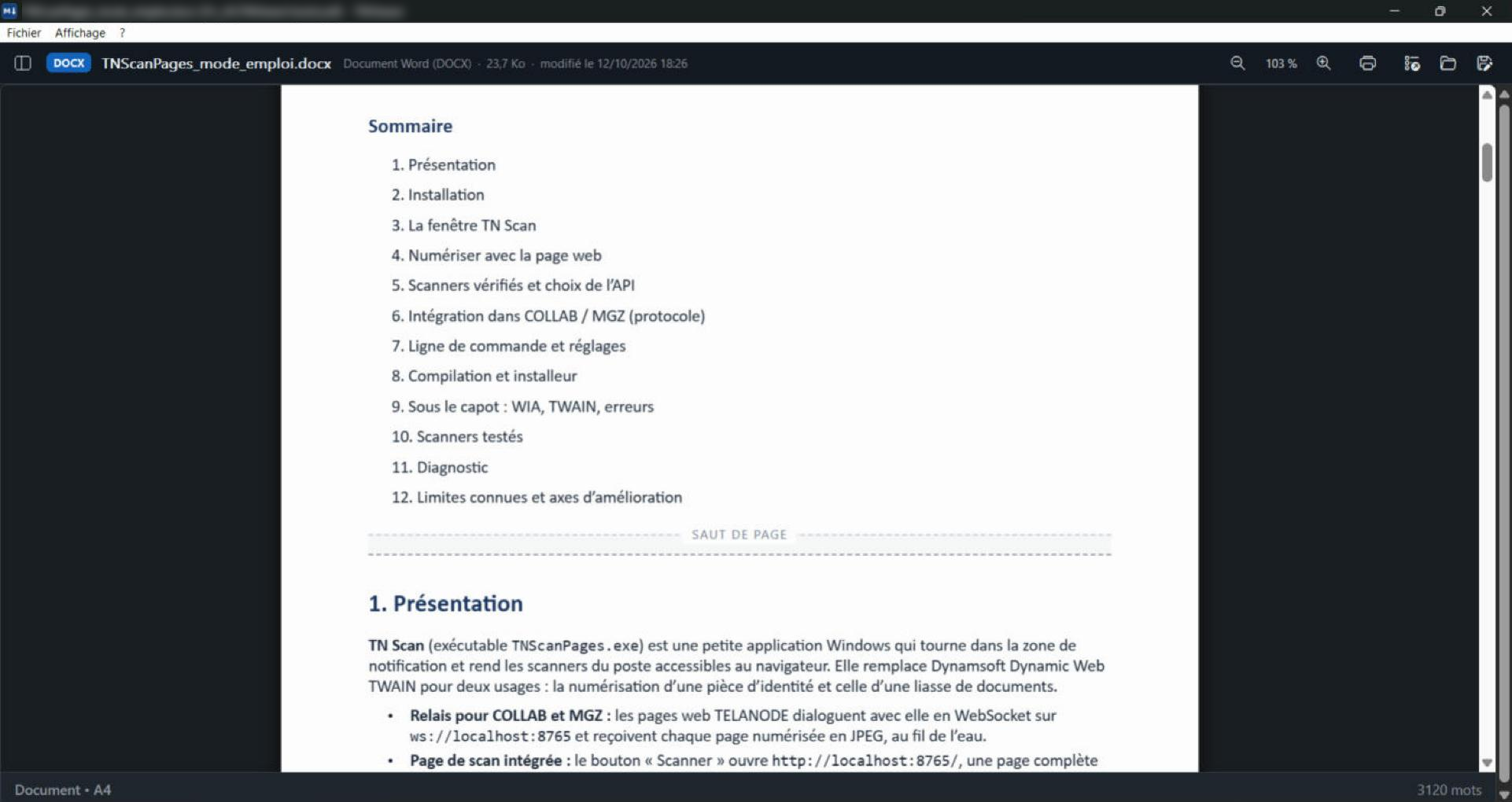
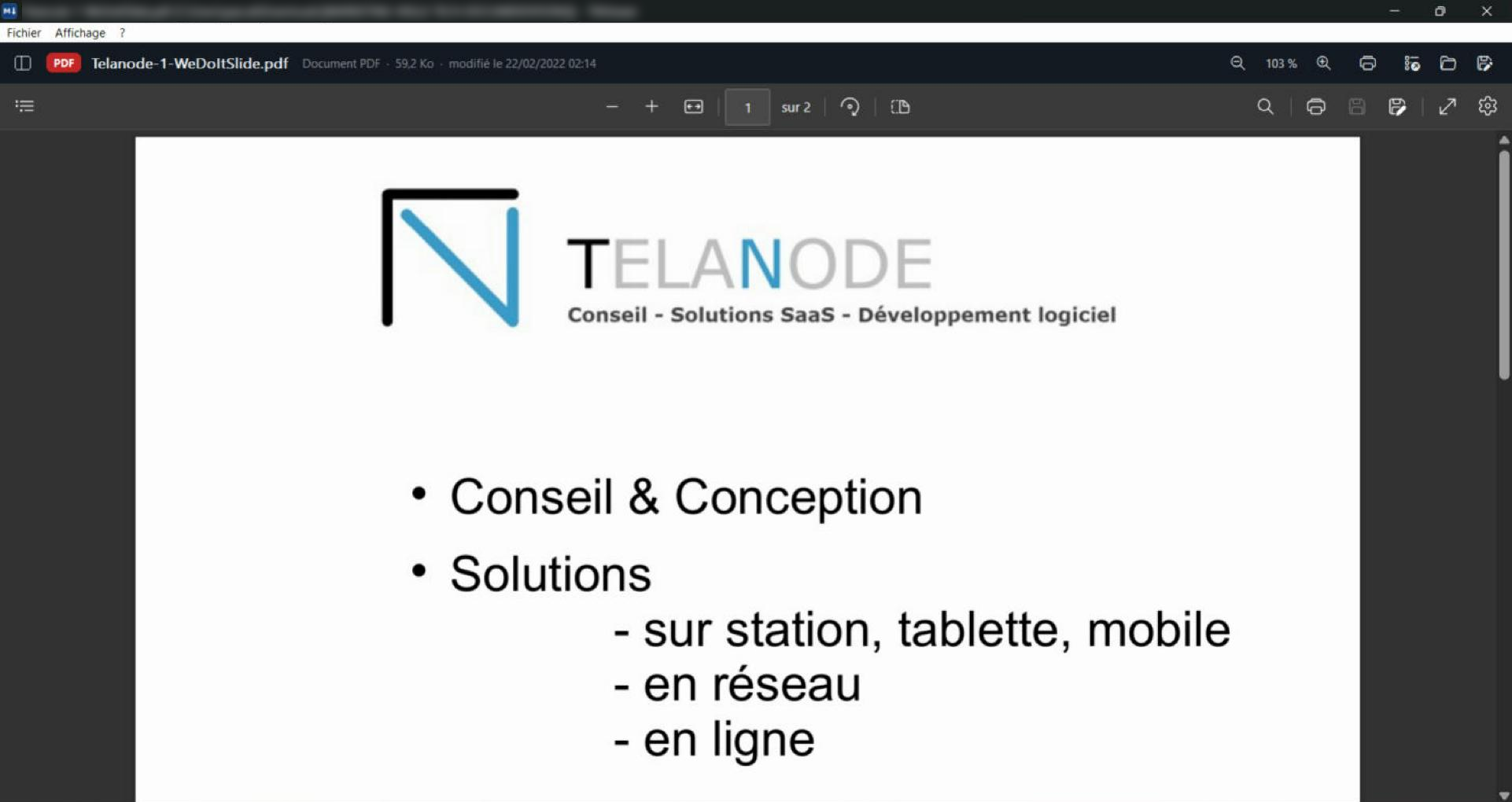
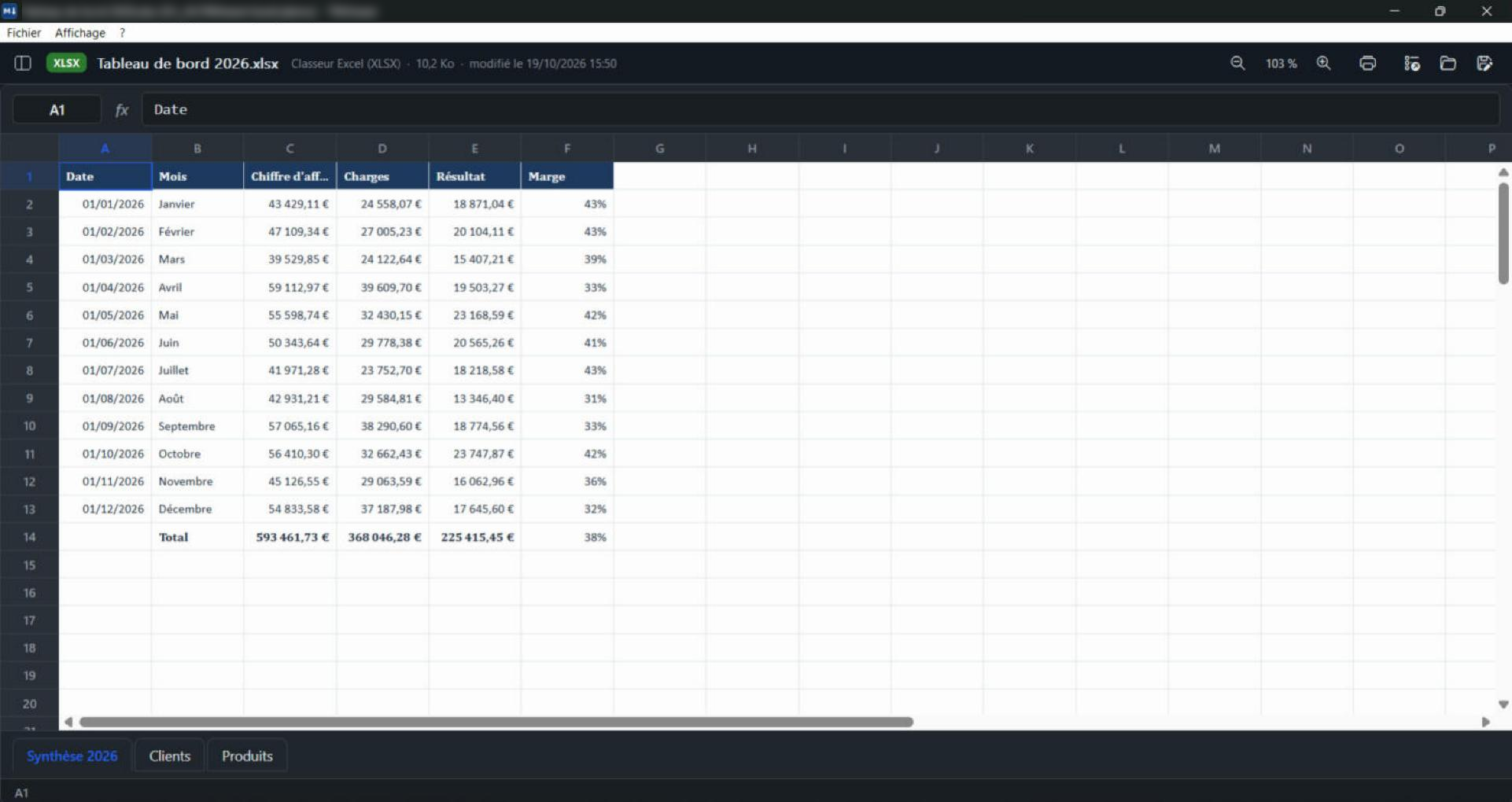
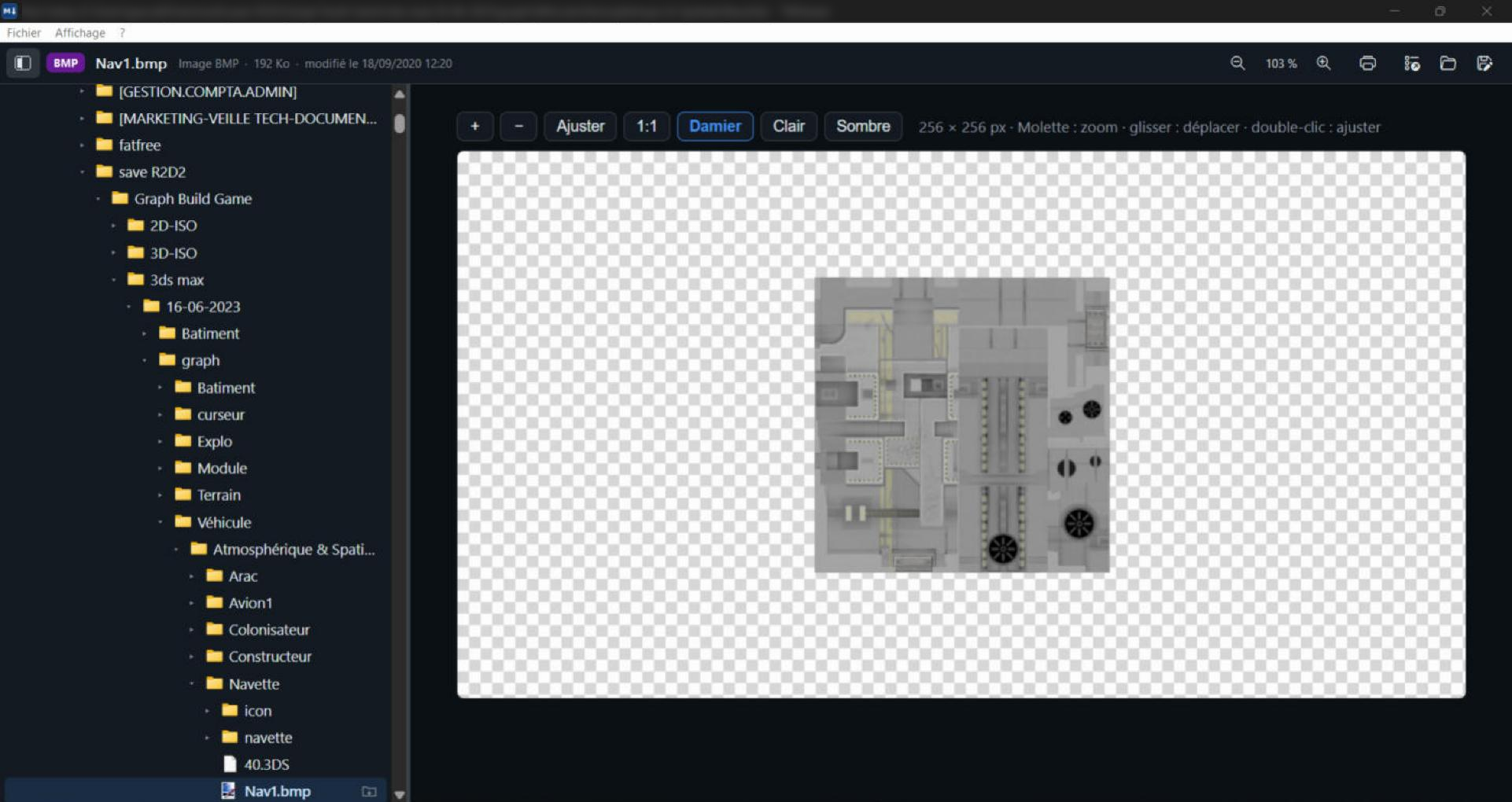
Everything lying around on a disk.
From the latest PowerPoint to a file from 1995, in the same window, with the same gestures.
Office documents
Documents, spreadsheets and presentations, from current formats to the oldest.
Images
Photos, mock-ups, vector drawings and technical images.
Video and audio
Your videos and music, with no player to install.
3D and plans
3D models to handle and vector plans.
Archives and disks
Archives, packages, disk images and virtual disks: browse, preview, extract.
Messages and mailboxes from every email program.
Code and text
Code, configuration, logs and documentation, coloured and readable.
Apps and programs
Mobile apps and programs described without ever being run.
Security and certificates
Certificates, keys, stores and tokens, expiry dates highlighted.
Databases
Databases from many programs, tables and structure, CSV export.
Accounting
French FEC and accounting software exports: trial balance, journals, checks.
Banking
ISO 20022, SWIFT, OFX and CFONB statements and payment files: transactions, balances, checks.
E-invoices
Factur-X, CII, UBL, Order-X, CDAR: the invoice in plain view, checked.
Mac files
Pages, Numbers, Keynote and the files that come along with copies from a Mac.
Mapping and surveying
GeoTIFF, Shapefile, MicroStation DGN, LandXML: plans, relief and coordinates.
Books and comics
E-books and comics.
Fonts
Current and old fonts, viewed without installing.
Windows shortcuts and files
Shortcuts, Remote Desktop connections and Explorer caches.
Designed for everyday use.
One window, the same gestures for every format.
Navigation pane
Favourites, recent folders, disks and USB sticks: one click on a file shows it at once.
Search
Ctrl+F in the page, and across a whole Excel workbook, all sheets included.
Printing
Ctrl+P with preview, margins and headers.
Light or dark
The theme follows Windows or your choice; documents and workbooks keep their real colours.
Always up to date
The file changes on disk? The view reloads, at the same position.
Recent files
Your last 20 files, one menu away.
Send to
Right-click in Explorer, Send to, TelaViewer. File associations as you choose, format by format.
Copy and extractionPro
Save a copy, show in folder, extract from an archive or a virtual disk.
Your files stay with you.
Three commitments written in black and white in the terms of use.
Nothing leaves the PC
No statistics, no connection. What you open is your business only.
Nothing is modified
TelaViewer reads, it never writes to your files. Protected archives and databases are opened in memory.
Nothing is run
A program, an attachment or an app is shown as an information sheet. Nothing starts behind your back.
Frequently asked questions
How do I open a .msg file without Outlook?
Drop the .msg file into TelaViewer: the message, its headers and the list of attachments appear. Each attachment opens in one click in TelaViewer, without Outlook and without a connection.
Can I view a PSD file without Photoshop?
Yes. TelaViewer shows the image of a Photoshop file (.psd, .psb) with its details, without Photoshop or a subscription.
How do I open an Access database (.mdb, .accdb) without Access?
TelaViewer reads Access databases read-only: tables, relationships, queries rebuilt as SQL and CSV export for Excel. Password-protected databases are supported.Pro
How do I read a bank statement or an e-invoice?
Drop the file into TelaViewer: it recognises ISO 20022, SWIFT, OFX and CFONB statements, Factur-X, CII and UBL invoices and accounting exports from their content. Transactions or entries are shown with recalculated totals, checks and CSV export.Pro
Does TelaViewer send my files to the Internet?
No. TelaViewer works entirely on your PC: no file upload, no statistics, no account. It reads your files without ever changing them.
Do I need to install TelaViewer?
No. TelaViewer is a portable native C++ application: a single .exe file, under 15 MB, which runs from any folder or a USB stick, on Windows 10 and 11, without administrator rights. No DLL, no OCX, no .so and no runtime to install: it only uses the Windows WebView2 engine, already included in Windows 11.
Can I try TelaViewer?
Yes. Version 1.3.1 is available for evaluation, with all its features, until 1 January 2027.