14 extensions supported
Read-only, without installing the original software.
| Format | Extensions | What you see |
|---|---|---|
| Blender | .blend .blend1 | Versions 2.48 to 5.2: the scene with its objects, materials and textures; modifiers applied as in Blender (subdivision, mirror, smoothing) |
| 3ds Max | .max | The scene with its materials and textures, and its preview |
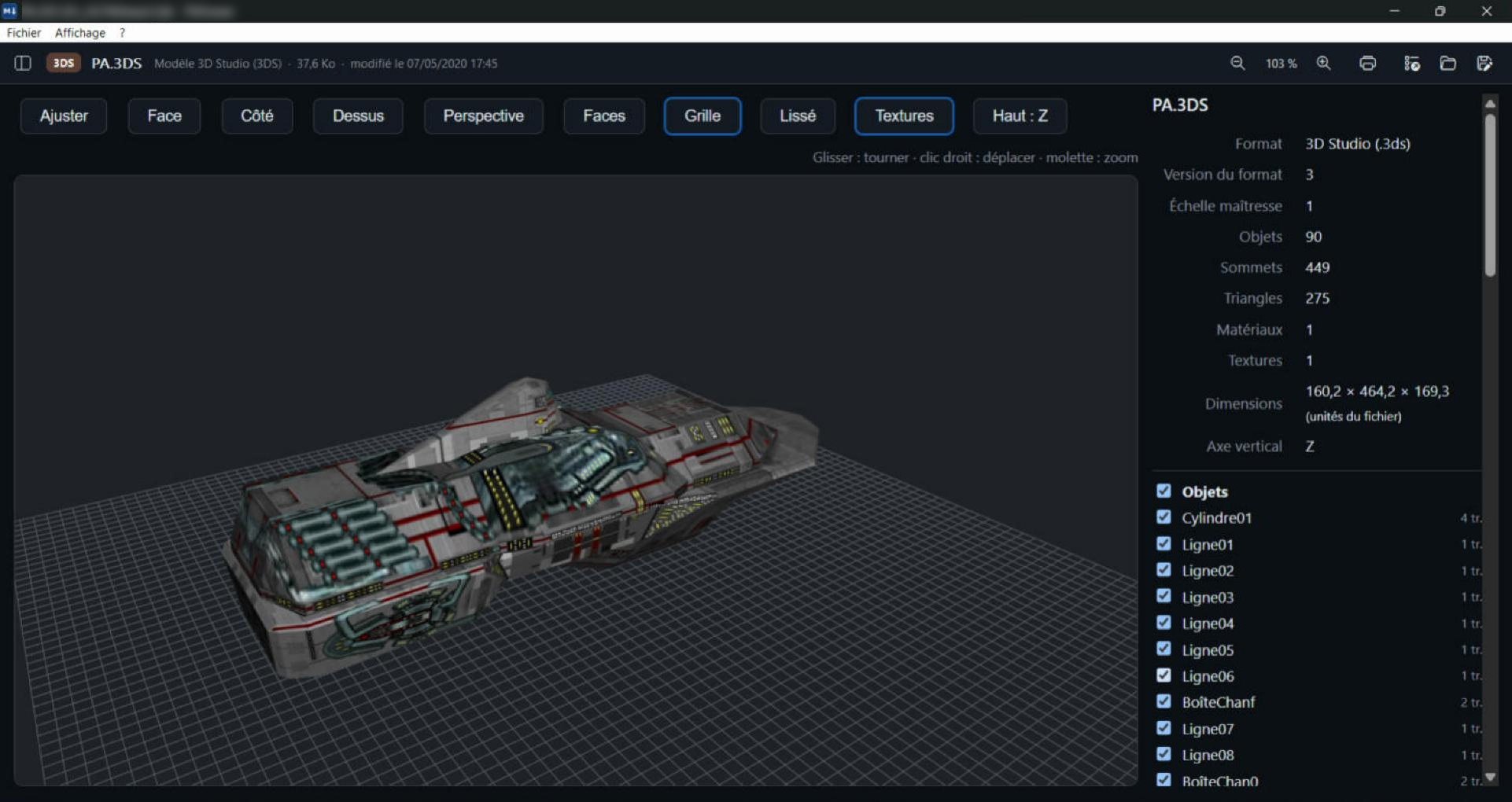
| 3D Studio | .3ds | The objects with their materials and textures |
| Autodesk FBX | .fbx | FBX 2003 and later: the model with its materials and textures |
| Collada | .dae .zae | The model with its materials and textures, characters in rest pose |
| glTF | .gltf .glb | The scene with its colours and textures |
| Wavefront OBJ | .obj | The model with its colours and textures |
| STL | .stl | The mesh and its dimensions |
| PLY | .ply | Models and point clouds, in colour |
| DXF | .dxf | The drawn plan: dimensions, text, layers to show or hide; unlimited zoom |
| DWG | .dwg | The plan thumbnail stored by AutoCAD, and its version |
Screenshots
Frequently asked questions
Are textures displayed?
Yes. TelaViewer looks for the images next to the model, in a “textures” or “maps” subfolder, then in the parent folder.