25 extensions supported
Read-only, without installing the original software.
| Format | Extensions | What you see |
|---|---|---|
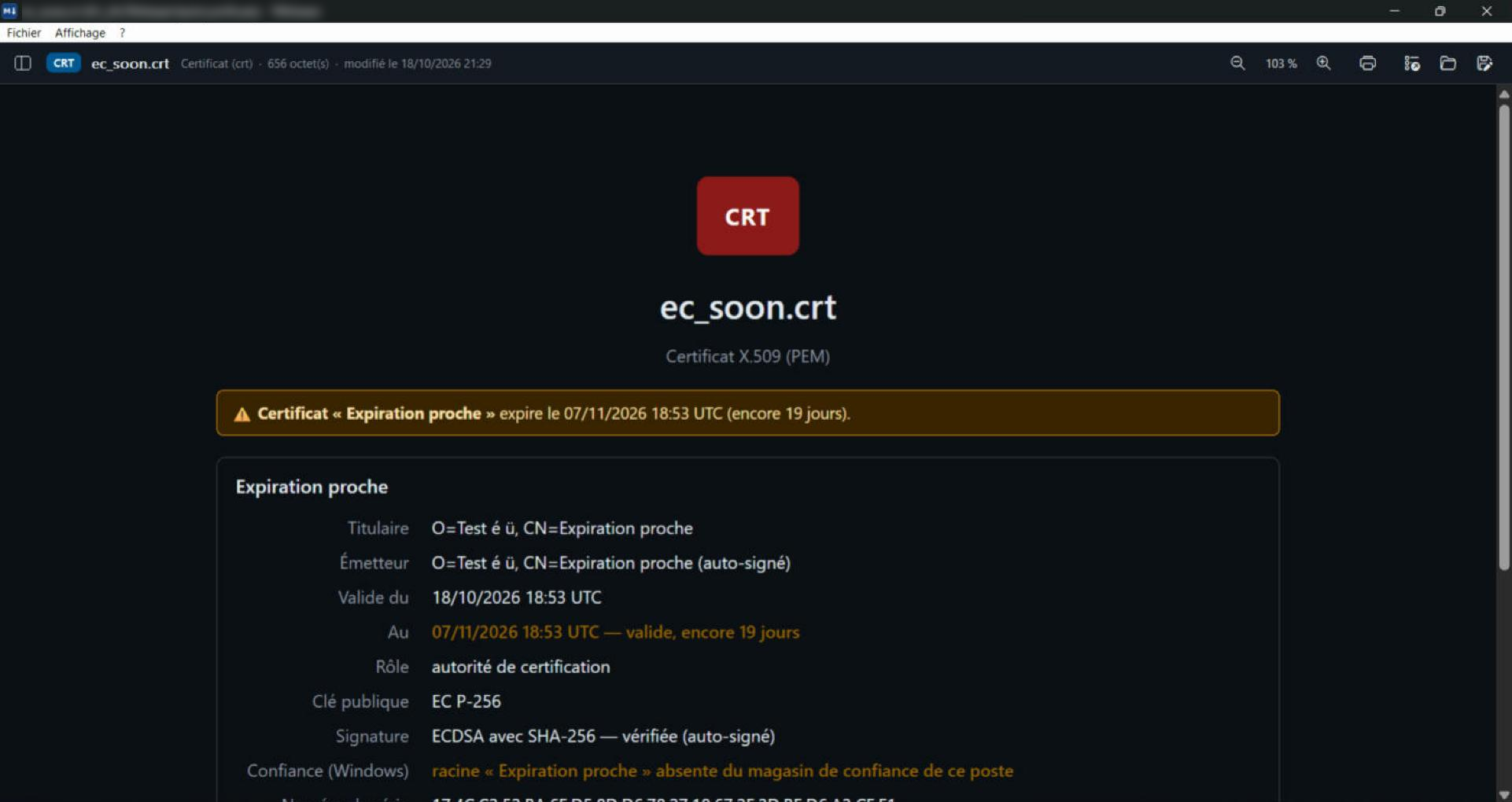
| X.509 certificates | .cer .crt .der .pem | Subject, issuer, usages, fingerprints; expiry in orange 90 days ahead, in red once passed |
| PKCS#7 chains | .p7b .p7c .spc | Every certificate in the chain |
| CMS signed documents | .p7s .p7m | Who signed, when, and whether the signature is valid |
| Revocation lists | .crl | Revoked certificates and dates |
| Certificate requests | .csr .req | What is requested: subject, key, usages |
| Private keys | .key .p8 .pk8 | Type and protection, never the content; alert if the key is not protected |
| PKCS#12 stores | .p12 .pfx | Certificates and keys inside; password never stored |
| Java and Android keystores | .jks .jceks .keystore .bks .ubr | Certificates inside, store checked |
| Apple profiles | .mobileprovision .provisionprofile | Team, devices, entitlements; expiry in orange 30 days ahead |
| JWT tokens | .jwt | Every field explained, expiry date, alert if the token is not signed |
Screenshots
Frequently asked questions
Is the private key displayed?
No. TelaViewer indicates that a private key is present, without ever displaying it. A keystore password stays in memory and is never saved.